Best AI Tools for Bloggers to Increase Productivity in 2026 (Free & Paid)
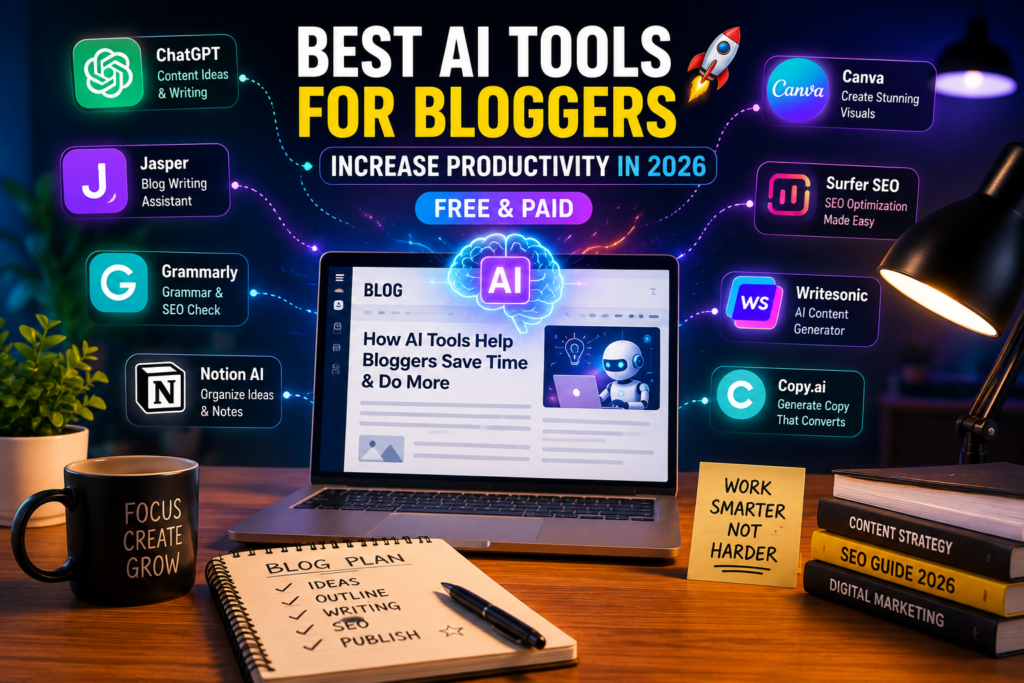
Best AI Tools for Bloggers to Increase Productivity
Struggling to keep up with your blog? Here are the best AI tools for bloggers to increase productivity in 2026 what actually works, what’s a waste of money, and how to use them without losing your voice.
Best AI Tools for Bloggers to Increase Productivity in 2026 (Free & Paid)
Three years ago I was writing one blog post a week and still felt behind. Research took forever, editing took even longer, and by the time I hit publish I’d usually lost interest in the topic. Sound familiar?
Last winter I sat down and actually mapped out where my hours were going. Turns out I was spending almost as much time hunting for keywords and fixing typos as I was actually writing. That’s when I started testing AI tools not to replace my writing, but to get the boring parts out of the way faster.
This post is the result of that testing. If you’re looking for the best AI tools for bloggers to increase productivity, here’s what’s genuinely worth your time in 2026, what’s overhyped, and where I personally messed up along the way.
Why “Just Use ChatGPT” Isn’t the Whole Answer
Most productivity advice for bloggers stops at “use ChatGPT.” That’s fine as a starting point, but it’s not a system. Writing is only one part of running a blog you’ve also got research, keyword targeting, editing, image creation, and formatting for SEO.
The bloggers I know who publish consistently aren’t using one tool for everything. They’ve got a small stack: one for drafting, one for SEO structure, one for polish. That’s really the whole secret, and it took me longer than I’d like to admit to figure that out.
Here’s the lineup I’d actually recommend, split by what job each one does.
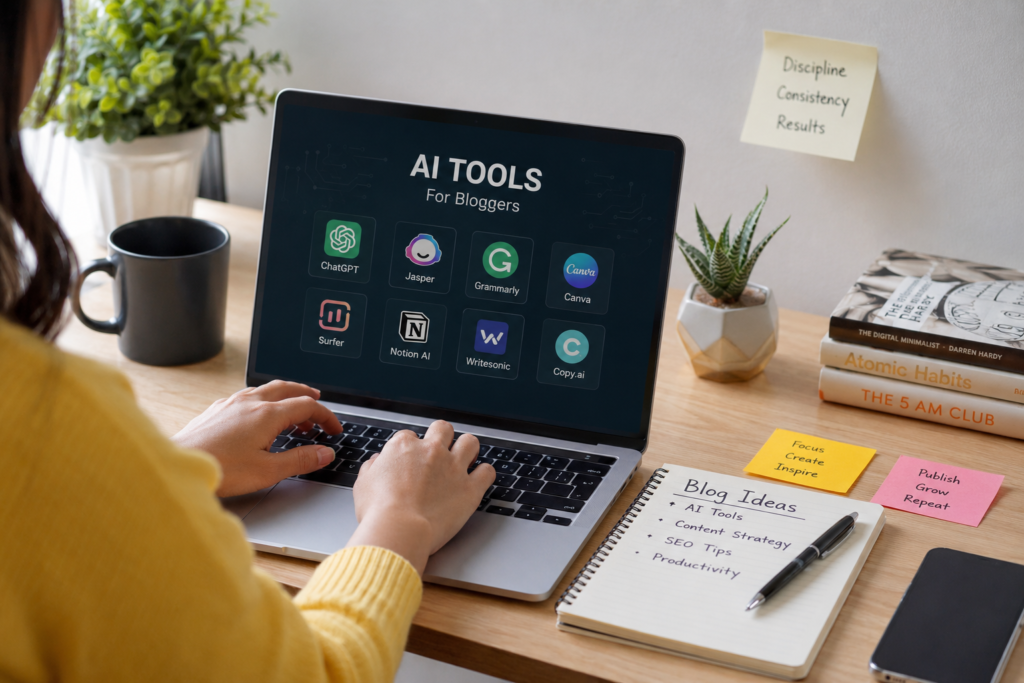
1. Drafting and idea generation Claude or ChatGPT
I use Claude for outlining and working through structure, because it tends to push back on weak sections instead of just filling them in politely. ChatGPT is the more flexible free option if you’re just getting started and want help with headlines, intros, or breaking through writer’s block.
Neither one writes a publishable post on its own. I still rewrite the intro and add my own examples every time the tool gets me from a blank page to a rough shape, nothing more.
2. Research Perplexity
This one genuinely surprised me. Instead of opening fifteen tabs, I ask Perplexity a direct question and get an answer with sources attached that I can actually click through and verify. For roundup posts or anything where I need to double-check a claim, it’s saved me a real chunk of time.
3. SEO structure Surfer SEO or Frase
Both analyze what’s already ranking for your target keyword and tell you what your draft is missing headings, related terms, length. I was skeptical of these at first because they can feel like you’re “writing for the robot,” but used lightly (as a checklist, not a script) they stop you from publishing a post that’s technically fine but invisible on page one.
4. Editing and polish Grammarly
Grammarly catches the stuff your eyes glide past after reading your own draft for the fifth time. Nothing flashy here, it just quietly saves you from embarrassing typos in your headline.
5. Organization Notion AI
If you’re publishing more than once a week, you need somewhere to keep your content calendar, draft notes, and half-finished ideas. Notion AI can summarize research and draft outlines right inside the same workspace where you’re already planning posts.
6. Images Canva
Not writing-related, but every blog post needs a featured image, and Canva’s AI features (background removal, resizing, quick graphics) mean you don’t need design skills to make something that looks decent.
Quick Comparison Table
| Tool | Best For | Free Option? | Starting Paid Price |
|---|---|---|---|
| Claude | Drafting & structure | Yes (limited) | ~$20/mo |
| ChatGPT | Ideas, quick drafts | Yes (limited) | ~$20/mo |
| Perplexity | Research with sources | Yes (limited) | ~$20/mo |
| Surfer SEO | On-page SEO optimization | No | Paid only |
| Frase | SEO content briefs | Limited trial | Paid only |
| Grammarly | Grammar & tone | Yes | ~$12/mo |
| Notion AI | Planning & organization | Yes (core Notion) | Add-on pricing |
| Canva | Featured images & graphics | Yes | ~$13/mo |
Pricing changes often always check the tool’s official page before subscribing.
A Simple Workflow to Actually Save Time
Here’s roughly how I put these together now:
1. Plan the topic in Best AI Tools for Bloggers to Increase Productivity, jotting down the angle and who it’s for.
2. Research with Perplexity to gather facts, stats, and sources.
3. Draft an outline in Claude or ChatGPT, then write the first pass myself using that outline as a skeleton.
4. Run it through Surfer or Frase to check I haven’t missed an obvious subheading or related term.
5. Polish with Grammarly, then read it out loud once before publishing this step alone catches more awkward sentences than any tool does.
6. Make a featured image in Canva.
It’s not glamorous, but it turned my one-post-a-week pace into two or three, without the posts feeling rushed.
Mistakes I’d Skip If I Were Starting Over
Publishing the first draft as-is. Early on I got lazy and posted an AI-drafted piece almost untouched. It read fine, but it had zero personality, and a regular reader called it out in the comments. That stung, but it was a fair hit.
Relying on one tool for everything. Trying to make ChatGPT do research, drafting, and SEO all at once produces something that’s mediocre at all three, rather than good at any one of them.
Chasing every new AI tool that launches. New “all-in-one” platforms show up constantly promising to replace your entire stack. Most of them are fine, not exceptional. I’ve had better luck sticking with two or three tools and actually learning how to use them well.
Forgetting the human part. AI can’t test the product, take the trip, or interview the source. The one detail readers actually remember from a post is usually the one thing a tool couldn’t have written.
Final Thoughts
None of these tools write a blog for you they clear away the parts that used to eat your whole afternoon so you can spend that time on the parts only you can do: the real experience, the honest opinion, the detail nobody else would think to mention.
If you’re only going to try one thing from this list, start with pairing a drafting tool (Claude or ChatGPT) with an SEO tool (Surfer or Frase). That combination alone fixed most of my productivity problem before I added anything else.
FAQs
What are the best free AI tools for bloggers to increase productivity?
ChatGPT, Claude, Perplexity, and Notion’s core AI features all have usable free tiers that cover drafting, research, and organization without any upfront cost.
Do AI tools hurt SEO or get flagged by Google?
Google has said it cares about content quality and usefulness, not whether AI was involved in producing it. Thin, unedited AI content tends to underperform not because it’s AI, but because it’s generic.
Can I run a blog using only free AI tools?
Yes, especially when you’re starting out. Paid tools like Surfer SEO or Frase become worth it once you’re publishing regularly and need to compete for competitive keywords.
How much time can these tools realistically save?
It depends on your workflow, but most bloggers I’ve talked to and tested this with cut their research and outlining time noticeably often the biggest win is fewer stalled afternoons staring at a blank page, not just raw word count per hour.
Will using AI tools make my writing sound robotic?
Only if you publish the output untouched. Treat every draft as a first pass that needs your own examples, opinions, and edits before it goes live.
Related Articles : 10 Best Ways Students Can Use ChatGPT for Homework and Research (2026 Guide)
Read More : How to Use ChatGPT for Students to Study Smarter (2026 Guide)
Read More : Sonauto AI Music Generator Review (2026): Is the “Free Forever” AI Music Tool Actually Any Good?
Read More : Suno AI for YouTube Monetization: Can You Actually Monetize AI-Generated Music in 2026?

C0-Founder and Editor
Tazeen and Arzoo are the Co-Founders and Editors of THE NEWSTER. They specialize in covering world news, technology, weather, business, and trending stories. Their mission is to deliver accurate, timely, and well-researched journalism while making complex topics clear, reliable, and easy for readers to understand.
About The Author